Trading Journal
The Trading Journal is the core of CryptoSignalCircle.
It gives you a structured, searchable, and analytical view of all your synced trades across connected exchanges.
Your journal updates automatically whenever new trades are synced.
Overview
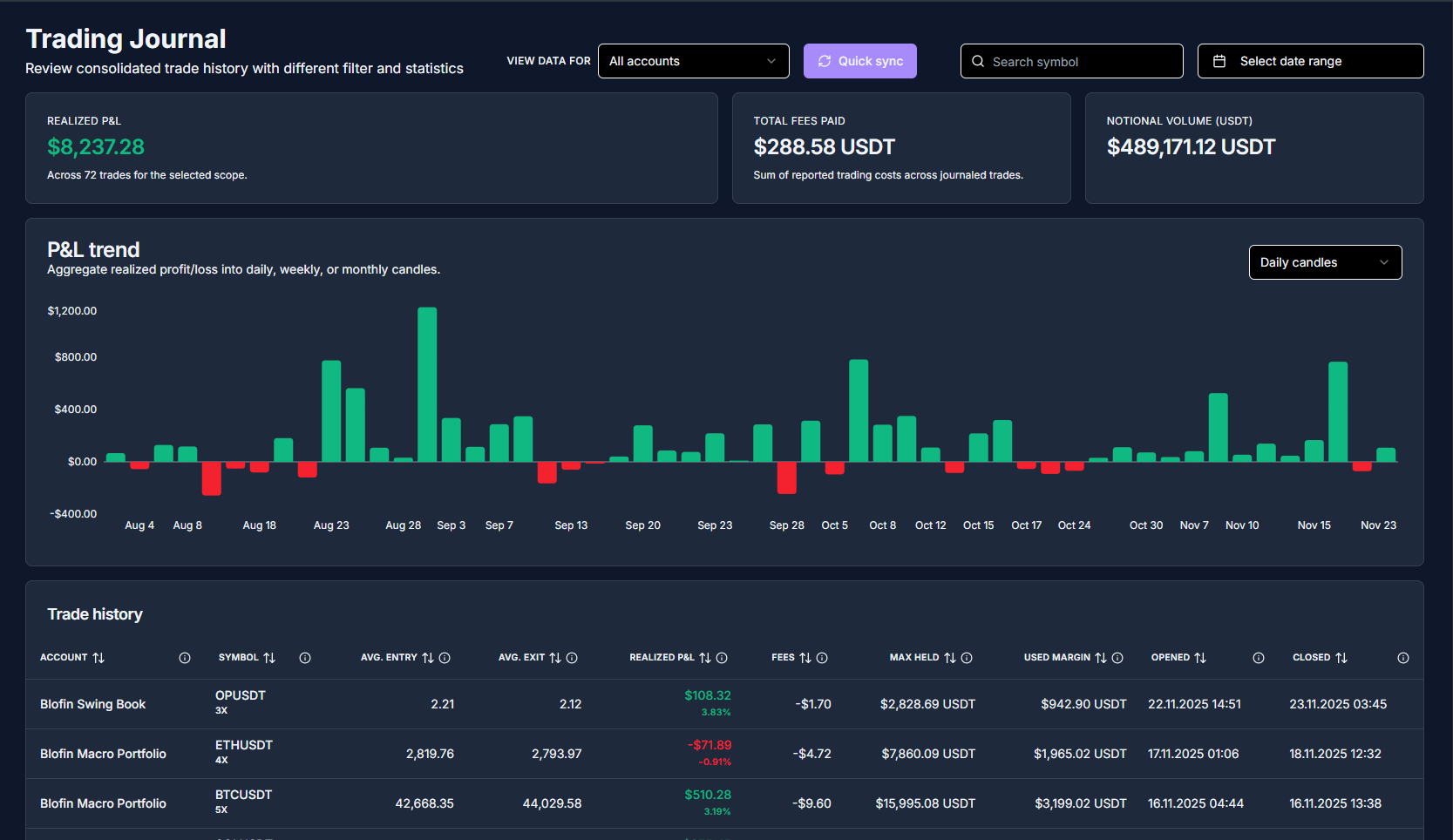
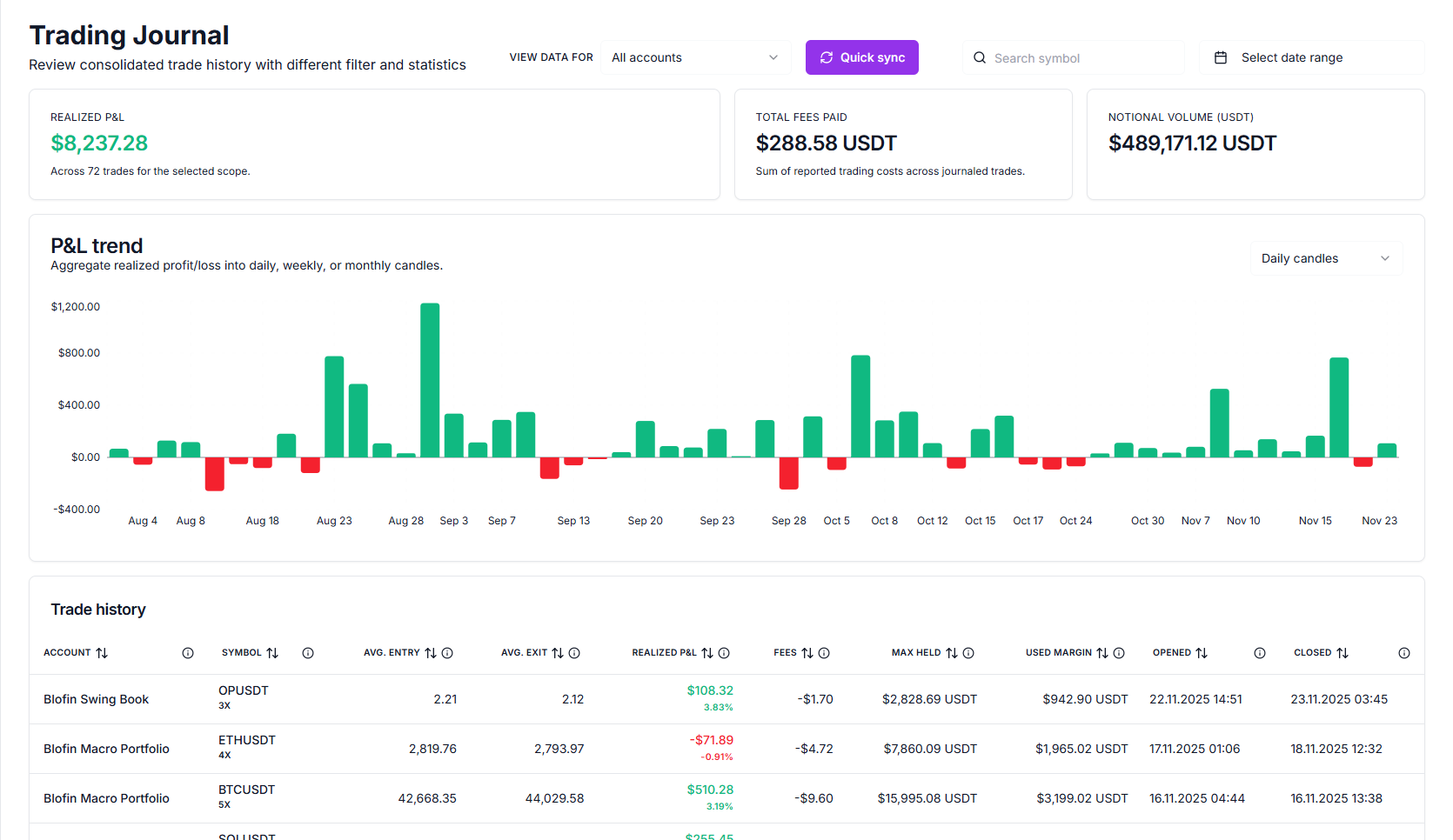
History
The History view shows all your completed trades in chronological order.
Here you can:
- See individual trades and their details
- Review entry and exit prices
- Check realized P&L per trade
- Track when each trade was executed
The history updates automatically as new trades are synced.
Filter
You can filter your journal to analyze specific subsets of your trading activity.
Typical filters include:
- By exchange (Binance, Blofin, Bybit)
- By date range
- By market (e.g., BTCUSDT, ETHUSDT)
Filtering helps you focus on the trades that matter most for your analysis.
Statistics
The Statistics section provides aggregated insights based on your filtered trades.
Common metrics include:
- Total profit / loss (P&L)
- Win rate
- Number of trades
- Average gain / loss per trade
- Best and worst trades
Statistics update dynamically based on your selected filters.
Missing specific statistics or filters? Join our community on Discord and let us know!
Share Statistics
You can share selected statistics with others.
Typical use cases:
- Sharing performance with a mentor or trading group
- Posting results in a community (e.g., Discord, Twitter, Reddit)
- Keeping a public record of progress
Accounts
This section shows all exchanges currently connected to your journal.
Each connected account displays:
- Exchange name
- Connection status
- Last successful sync time
Add additional exchange
To add another exchange to your journal:
You can connect multiple exchanges and view all trades in a single unified journal.
Delete exchange account
You can remove a connected exchange at any time.
If you remove an exchange connection, all trades synced from that exchange will be removed from your journal.
This action cannot be undone.
You can always reconnect the exchange later, but historical data will need to be re-synced from scratch.