Communities
What is Communities?
The Communities feature is where members, traders, and moderators collaborate around a shared trading theme (for example: futures, altcoins, swing, or intraday). It gives each group its own space for member access, announcements, and signal distribution.
Why use it?
- Keep members organized in one structured place.
- Control who can access premium or private community content.
- Connect traders/signals to the right audience.
Core actions
Create a Community
Creating a community gives you ownership of a dedicated space with its own branding, rules, and access model.
- Open Communities.
- Select Create Community.
- Enter the community name, description, and image.
- Configure visibility and member settings.
- Click Create to publish it.
Join a Community
How users join depends on the selected join mode:
Open Join
Anyone can click Join and enter immediately.
Request to Join
Users submit a request; owner/admin reviews and approves or declines.
Invite Only
Only users which are invited can coin.
Management tips
- Owners/admins can change access mode later in Community Settings.
- Define community rules early to reduce moderation overhead.
- Use clear descriptions so users know who the community is for.
Impressions
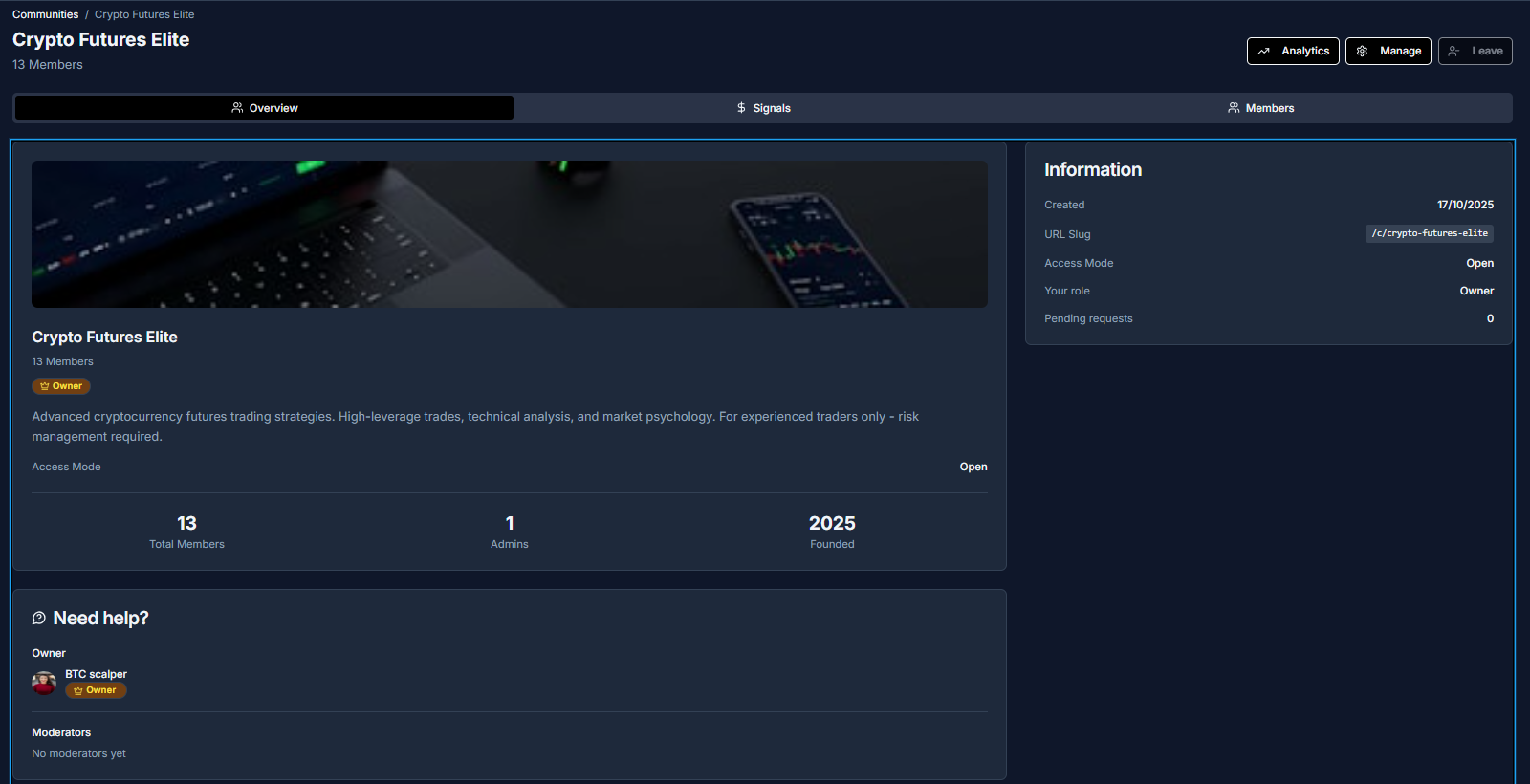
- Have a quick overview with the most important information about a community
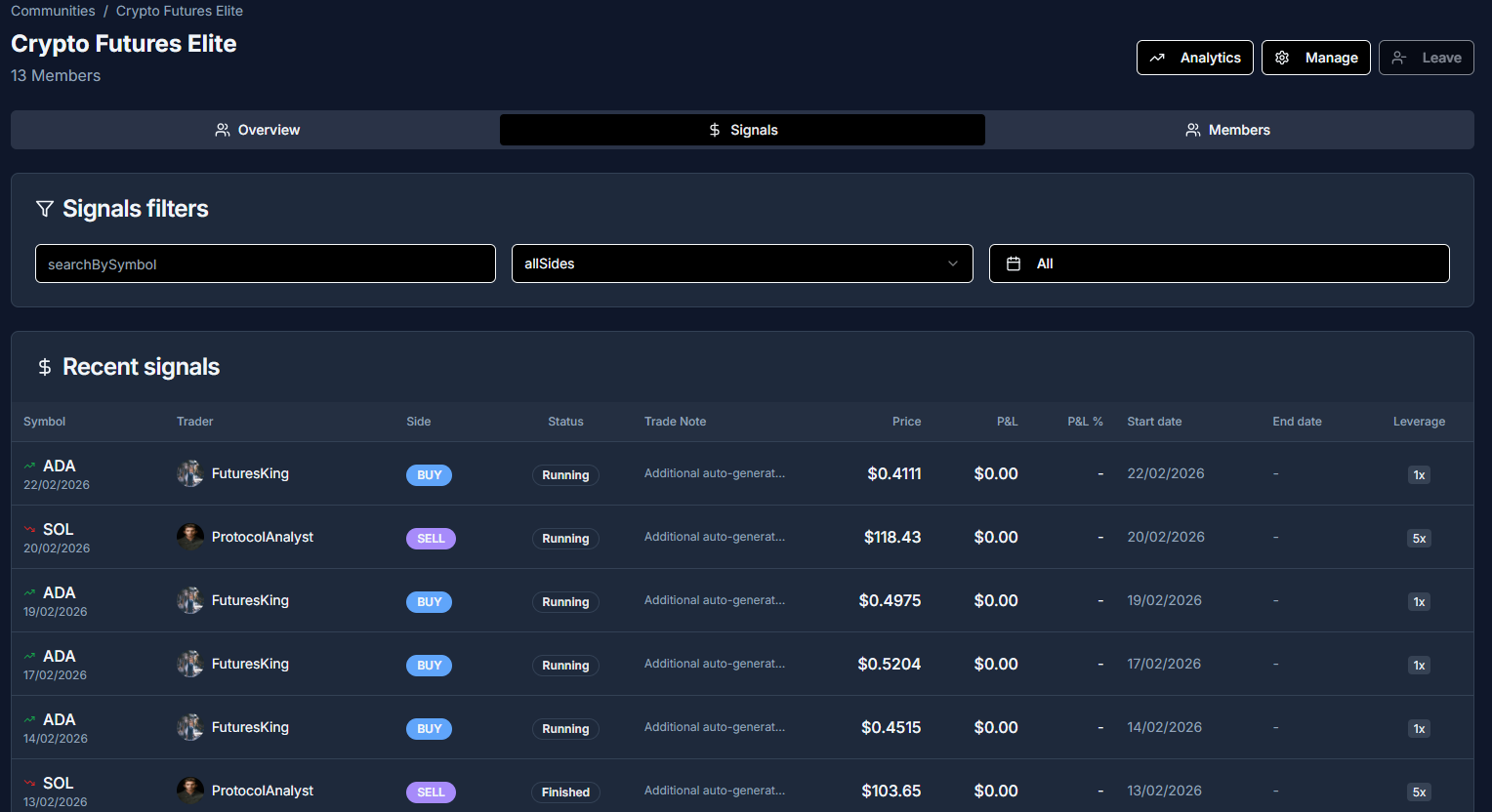
- Overview of all shared signals in the community
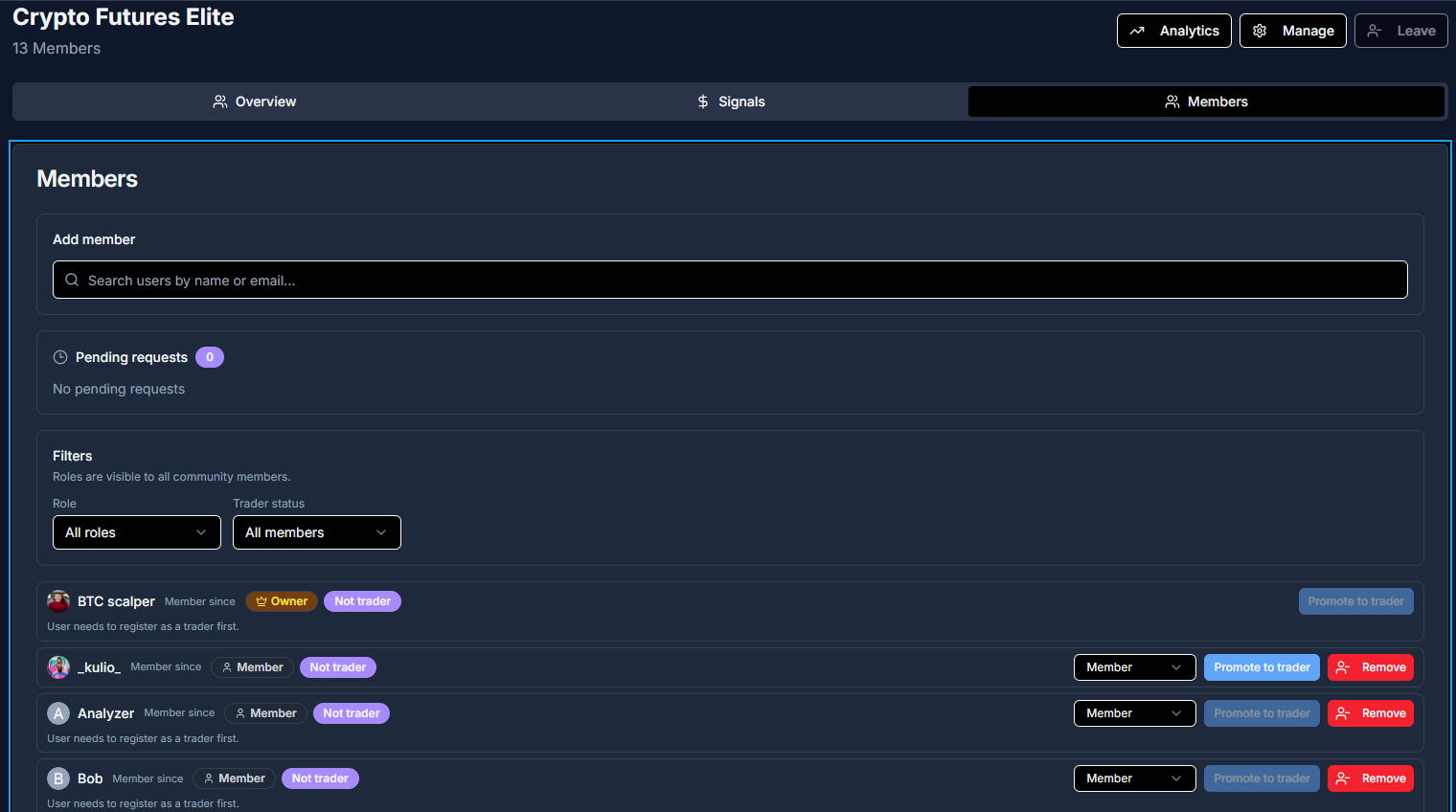
- Manage members and roles of your community
Missing features or have quesions? Join our community on Discord and let us know!